This is an old version, please check the latest releases.
Changelog
1.0.0-alpha05 (2026-01-02)
- Added an option to make your device undiscoverable (you’ll need to connect manually)
- Changes around network interfaces:
- Use the new
Connectsplit button to choose which IP to connect to - Audio packets (sent via UDP) will use the same network interface as the initial TCP connection
- Show the name of network interfaces next to the IP addresses on the home screen
- Use the new
- Your previous position is restored when going back between pages
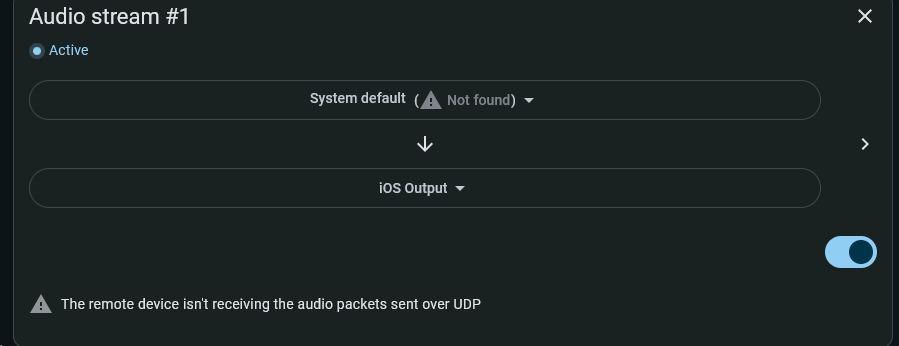
- The app shows why an audio stream got disabled (Due to premium features, interruption by another app, etc.)
- (Early access) Switched zeroconf implementation to use system services (e.g.: Bonjour on iOS/macOS, avahi on Linux)
- (Early access) Added empty screens on disconnections
iOS
- Fixed some crashes
- Respond to audio routing changes (e.g.: Stop playing when disconnecting a Bluetooth headset)
Android
- (Early access) Fixed previous lifetime purchases not restored
- (Early access) Show a warning when audio exclusivity fails
- (Early access) Disable audio streams instead removing them when another app gets audio exclusivity
Windows
- Display IP addresses from link-local network interfaces
- (Early access) Fixed audio capture not stopping
- (Early access) Fixed getting logged out on app restarts
- (Early access) Added a Premium page
Previous versions
1.0.0-alpha04: Early access fixes
1.0.0-alpha03: First iOS version
1.0.0-alpha01: Listen from multiple devices, require connection approval, audio settings on desktop, premium on desktop, linux ARM
Known issues
General
- Most translations are out of date
- There’s now a legacy network protocol (used by 0.x.x) and a new one. It’s not clearly surfaced in the UI
- The documentation isn’t up to date
iOS
- Missing device-wide audio capture
- Missing the equivalent to Android’s playback notifications
Limitations
- You can’t have multiple audio streams that send audio to AudioRelay’s virtual mic
Notes
- Sharing Android’s audio won’t work for every app, check the compatibility here
- Prices are increasing for the 1.0.0 release. For the early bird price, purchase premium from the 0.x.x version or, use the coupon
EARLYACCESS2025on the web for the monthly or lifetime purchases. - The main site doesn’t link to these pages for now:
Feedback
- Feel free to post a response here
- You can also send an email at [email protected]
- If you’d like to provide feedback without creating an account or sending an email, please fill this form