Nekko
1
Description
Application does not start after update to 0.27, shows error “Child process exited with code 1”.
Steps to reproduce
When starting the application, the error appears.
Devices
Device A:
Microsoft Windows [Versión 10.0.19045.2788]
AudioRelay 0.27.5
Device B:
Android 13
AudioRelay 0.26.1
Asapha
2
Hello @Nekko,
In order to get some info about the crash, could you please follow these instructions?
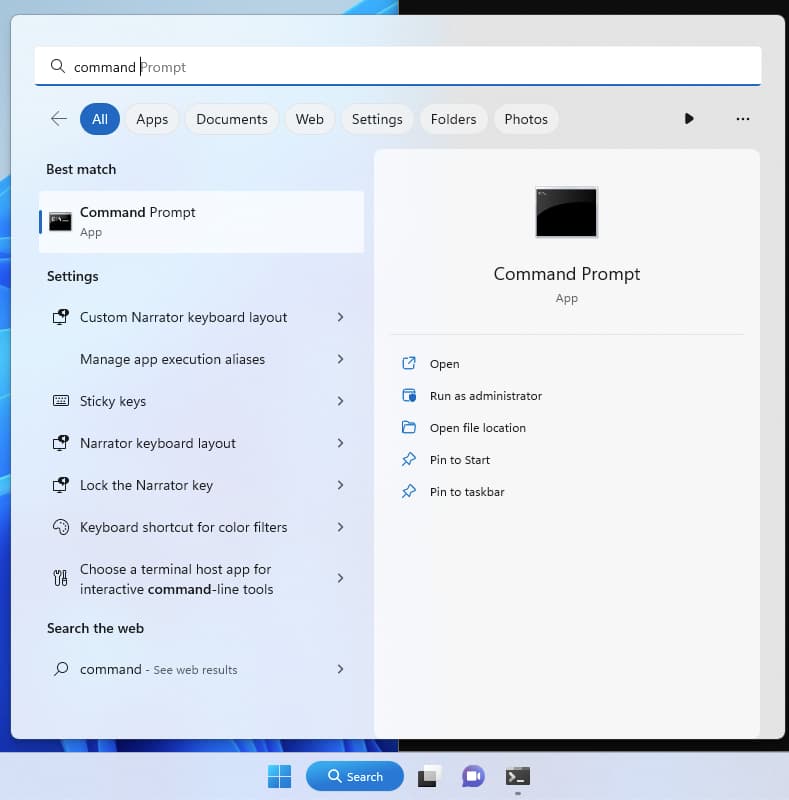
• Open Command prompt
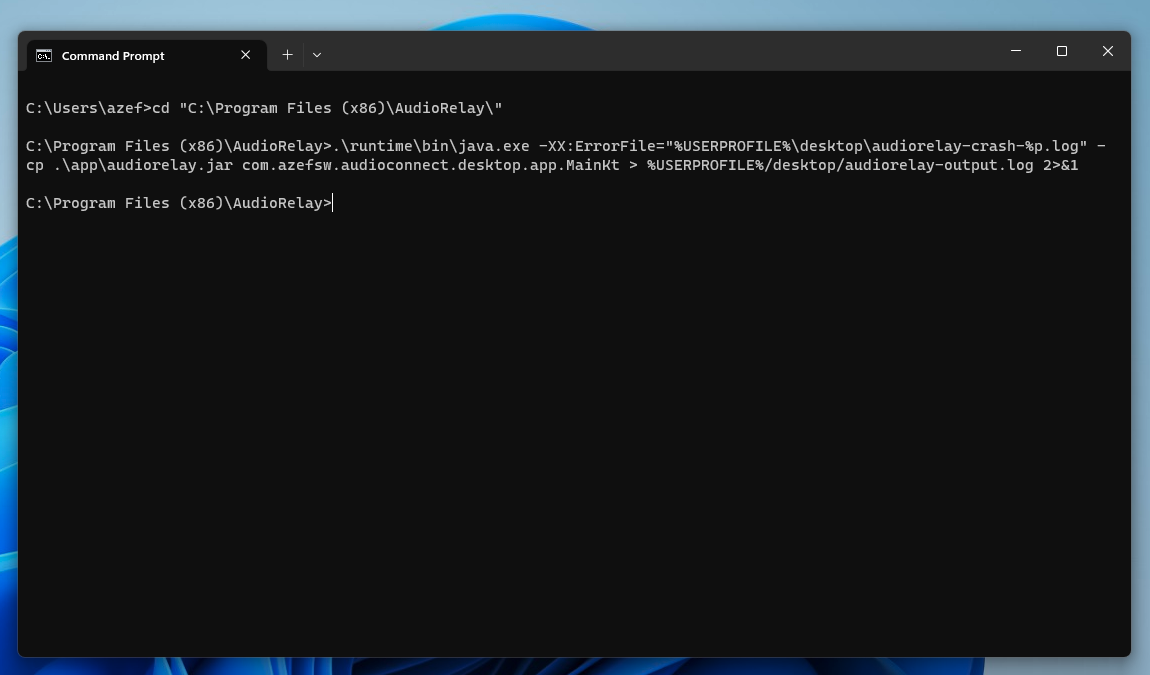
• Run cd "c:\Program Files (x86)\AudioRelay"
• Run .\runtime\bin\java.exe -XX:ErrorFile="%USERPROFILE%\desktop\audiorelay-crash.log" -cp .\app\audiorelay.jar com.azefsw.audioconnect.desktop.app.MainKt > %USERPROFILE%/desktop/audiorelay-output.log 2>&1
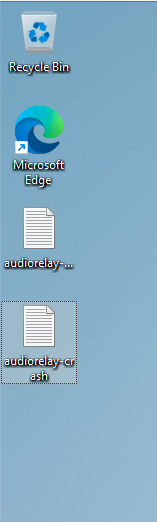
• Upload the audiorelay-crash.log and audiorelay-output.log files that were created in your Desktop
Nekko
3
Hi @Asapha ,
The "audiorelay-crash.log" file did not appear. Here I show you “audiorelay-output.log”:
audiorelay-output
Asapha
4
Thanks for the logs.
What’s your graphics card?
Switching to software rendering will probably help.
Please try these instructions.
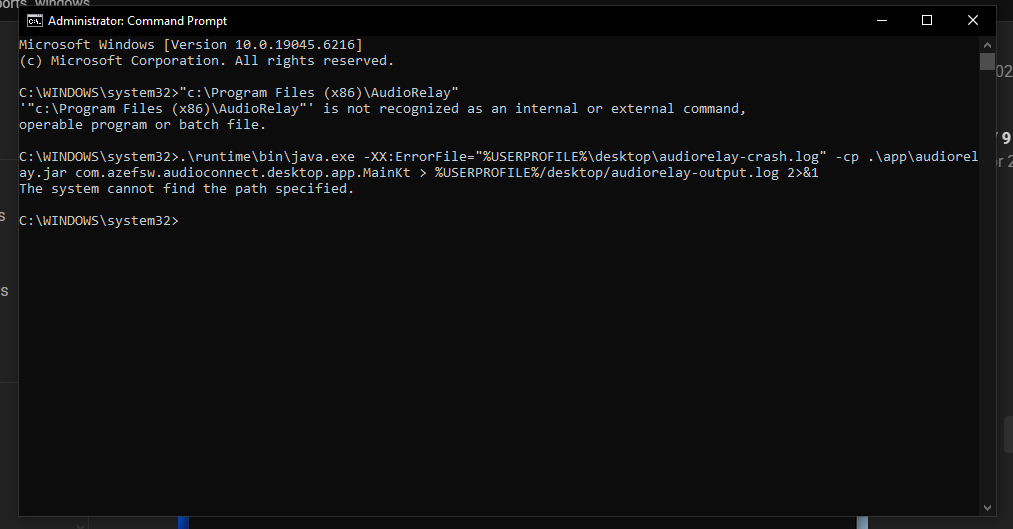
when running this second command then shown “The system cannot find the path specified.”
or just go to C:\Program Files (x86)\AudioRelay\app\AudioRelay.cfg
and add this line at the end of the file
java-options=-Dskiko.renderApi=SOFTWARE
then save it, preferably using notepad++ in admin mode
Where am I uploading it to please?
this work u are the goat, man.
hello, so when i run this command this shows up
am i doing anything wrong?