The same happens when streaming audio from PC to Android. A few moments after the screen is off packet loss occurs and audio becomes choppy (latency on the graph also increases a lot).
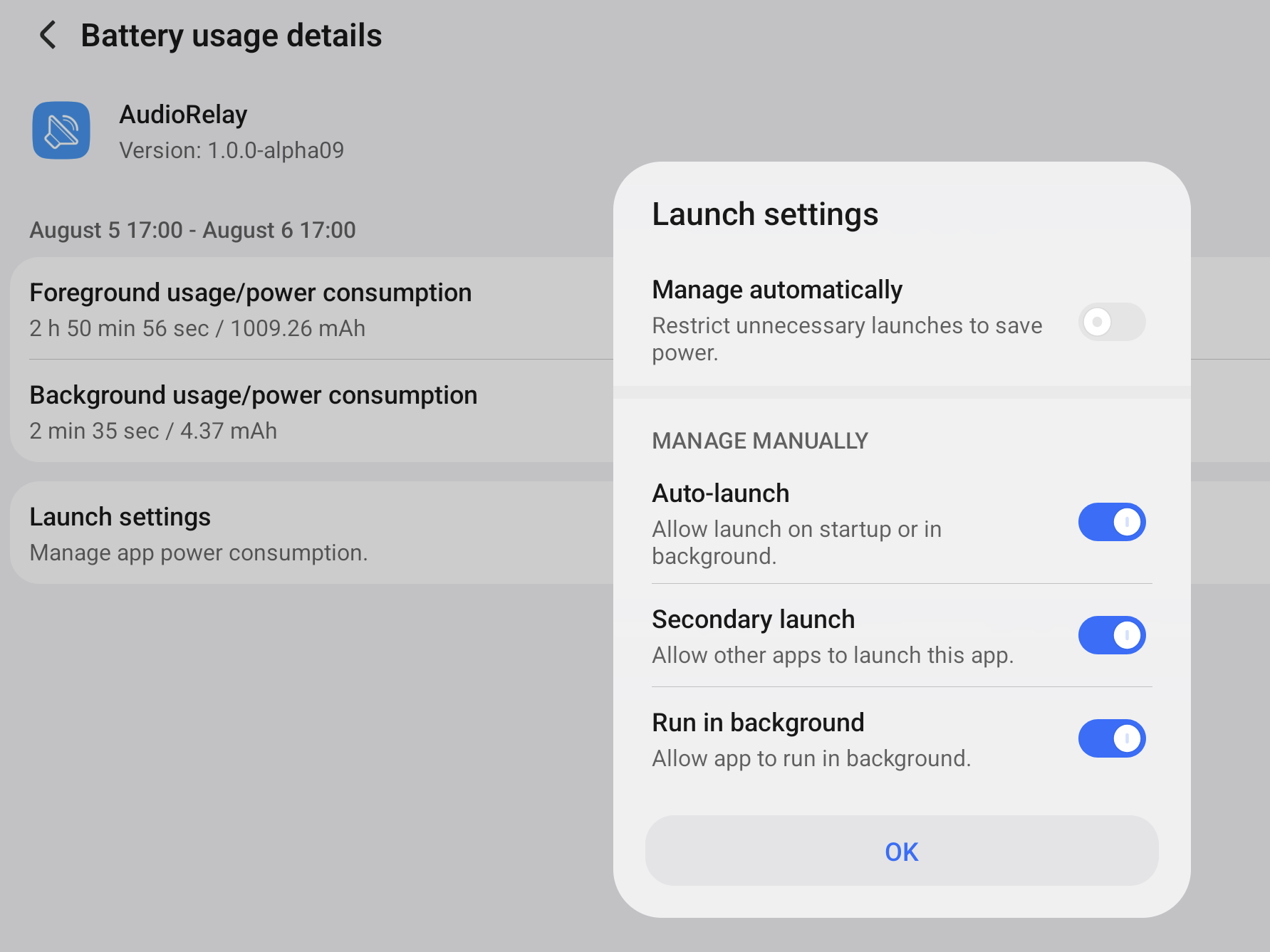
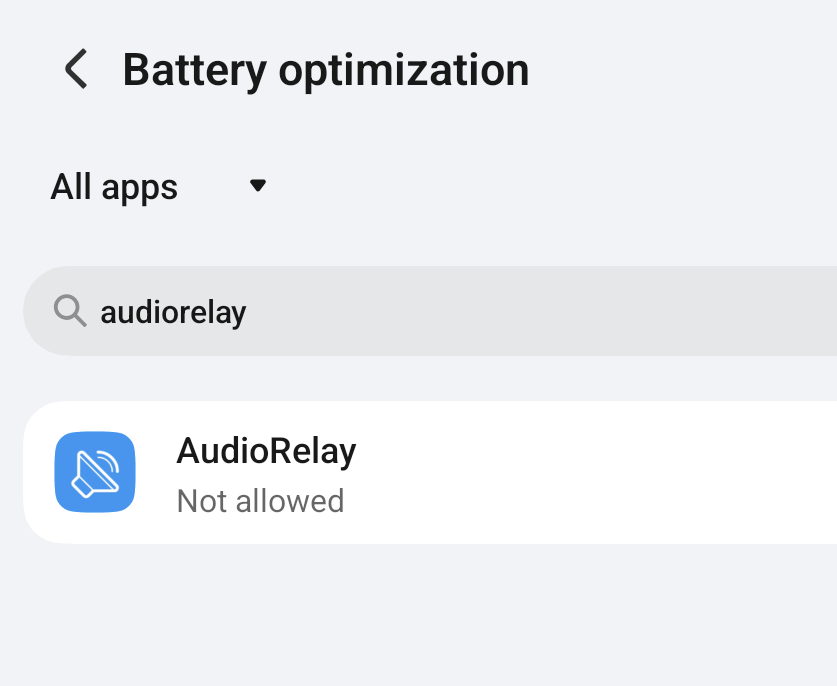
Tweaking energy saving settings doesn’t seem to help (I’ve already allowed AudioRelay to work in the background, but the issue persists). Maybe there’s a way to prevent the device from sleeping when streaming is active? When screen is on (and app is opened) everything works great.
Device A:
Windows 11 (connected using Ethernet cable)
Device B:
Honor Pad 10, Android 16 (connected using WiFi 5Ghz)
I know you’ve already tried to tweak the battery optimization settings, but please ensure that you’ve tried all the ones listed here.
I suspect that disabling PowerGenie will help.
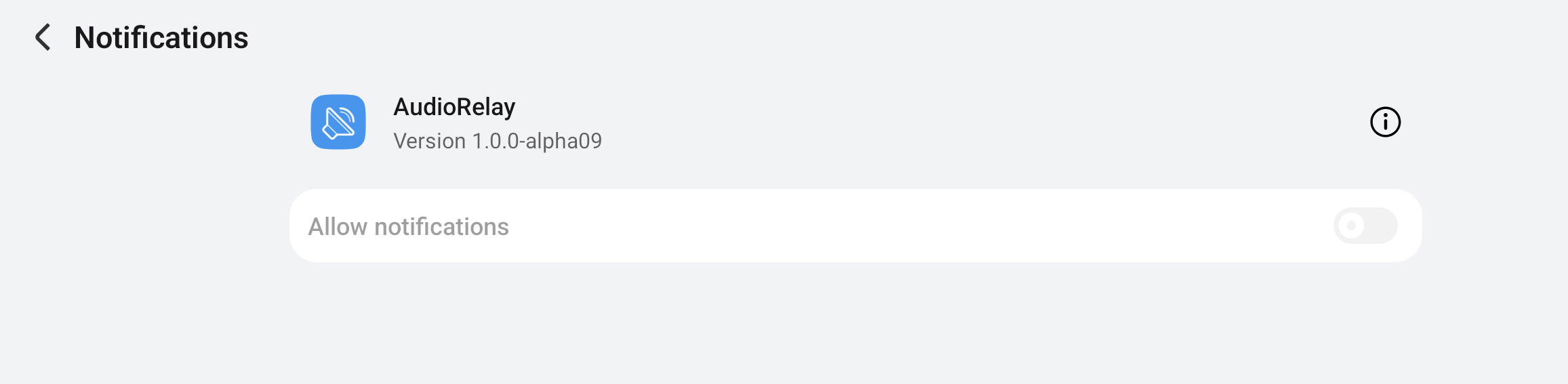
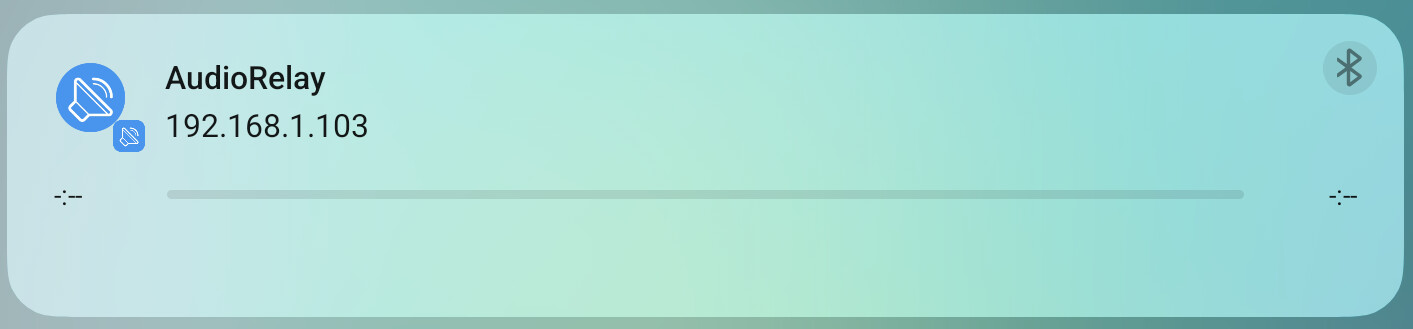
As for notification suggestion, the app should already display one. If you don’t see it, please ensure that you’ve enabled the notification permission for AudioRelay.
Right, the app no longer prompted users for the permission. It’s fixed in 1.0.0-alpha11, thanks for the report.
I don’t think it’ll help in your case, though. (That’d be great if it does!)
Also, the new version is using a low-latency audio system (AAudio). With some luck, it’ll hint your device to not throttle AudioRelay.
True, but in theory, you should be able to reinstall it if it causes any issues by using adb shell pm install-existing xxx as specified here.
To investigate further, we could check the device’s logs to see if there’s any clue there
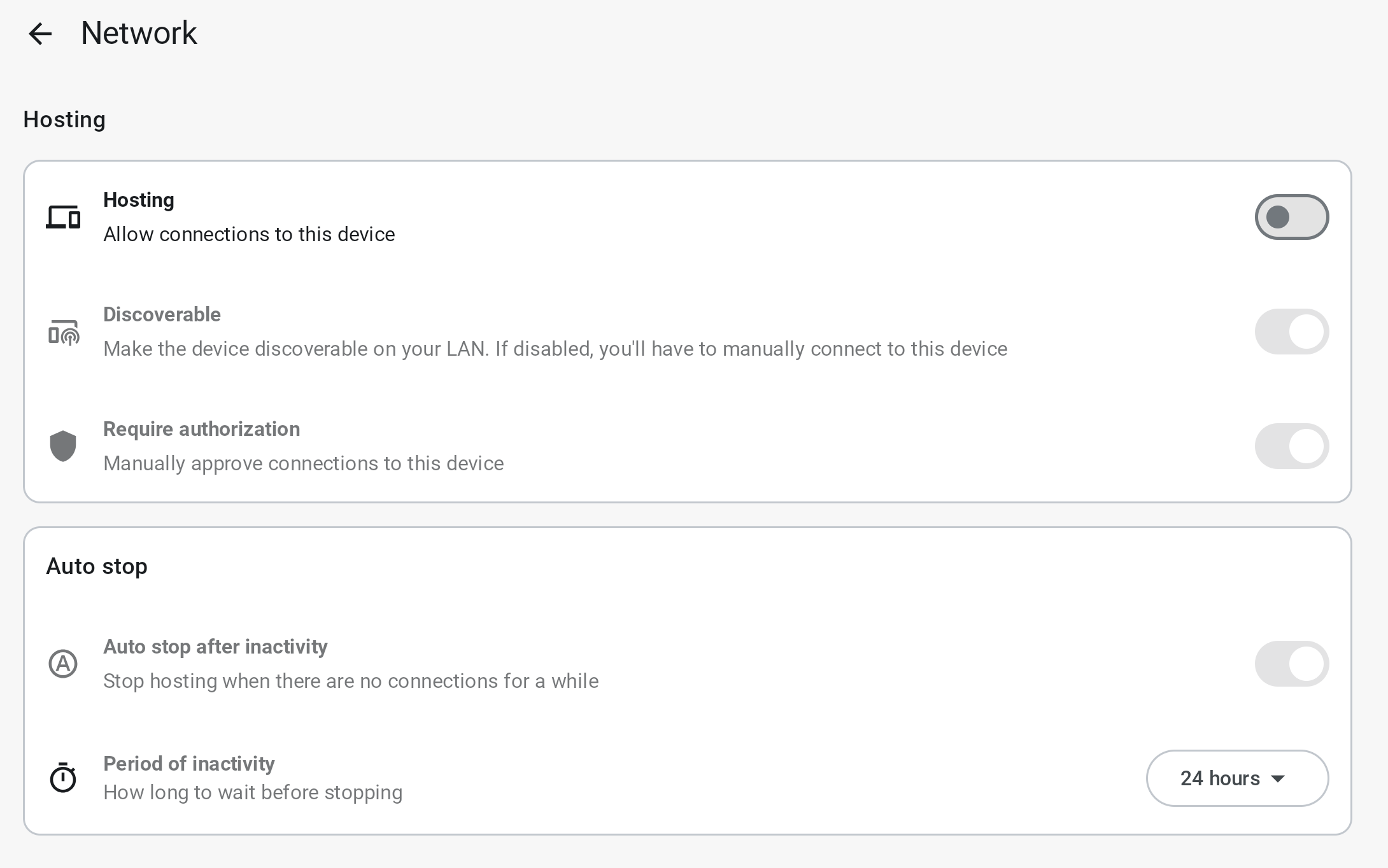
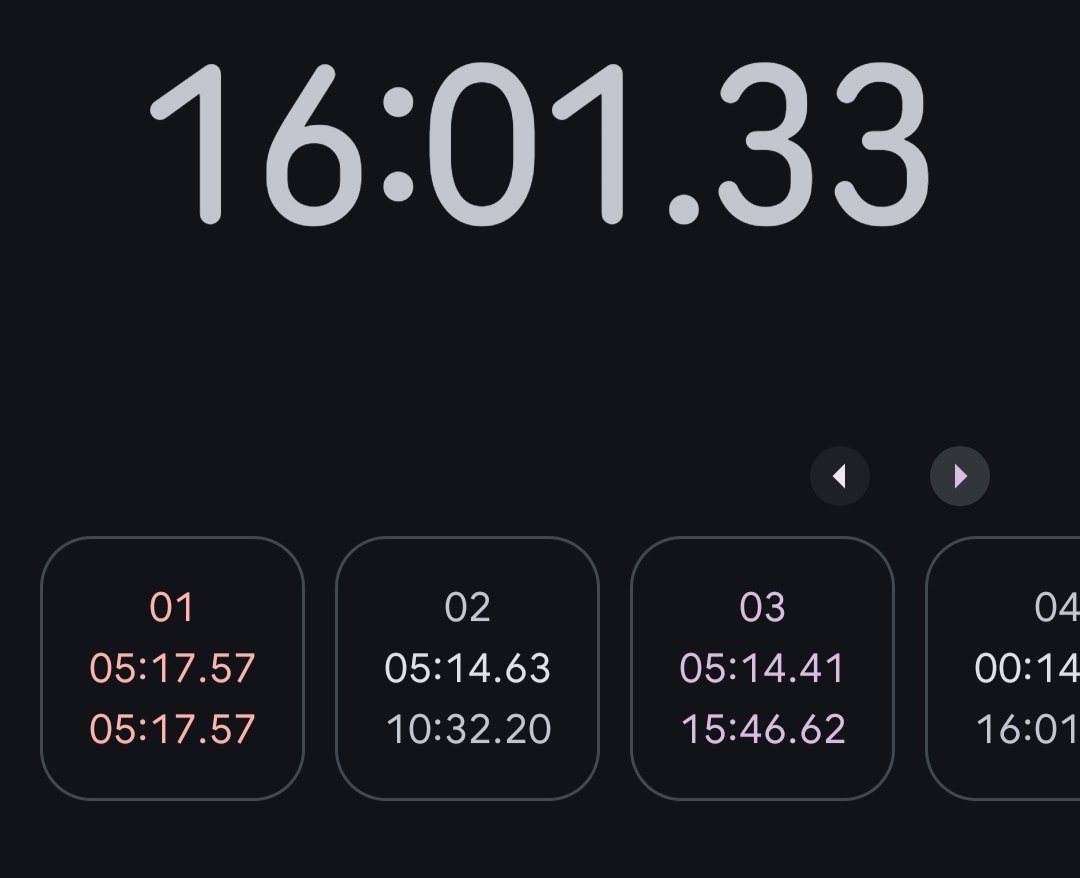
Period of inactivity is the culprit. Not only it ignores Hosting and Auto stop after inactivity checkboxes (which I have unticked), it interrupts an active stream with fixed interval causing packet loss and latency spikes. Yesterday I had it set to 10 minutes, and problem occurred every 10 minutes. Today I set it to 5 minutes, the problem started occurring every 5 minutes (I even used stopwatch).
Following this logic if I set period of inactivity to 24 hours, the problem gets solved. Unfortunately it still happened, but in at least 1 hour, then started repeating every few minutes until I restarted the stream (nothing in the log by the way). Still a good find I guess, something is not right with that option.
I’ll move on to testing AudioRelay on another device.
I was able to reproduce this behaviour on Motorola Edge 50 Fusion: I set Period of inactivity to 5 minutes and had packet loss/latency spikes every 5 minutes when screen is off. After that I set it to 24 hours and had no issues for 1.5 hours.