Description
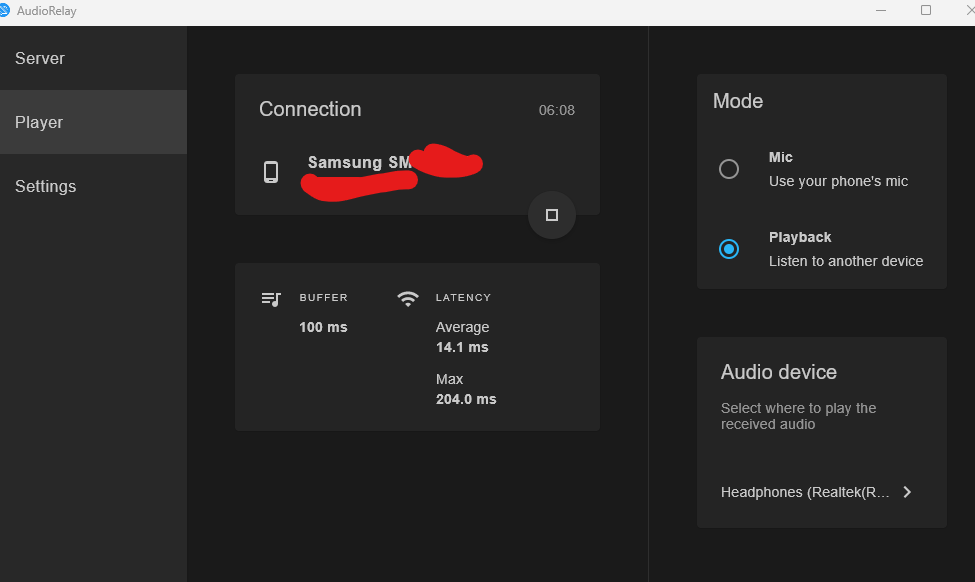
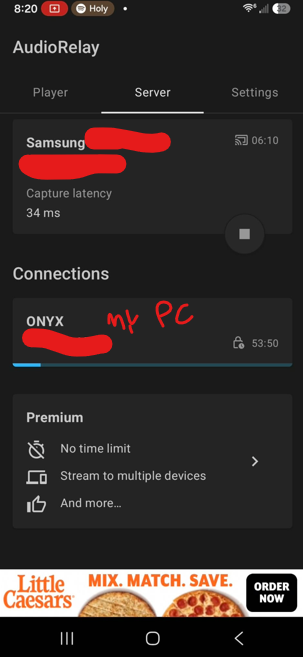
With my phone as the player and computer as the server, everything works just fine. However, I can no longer get it to work the other way around (I had it working once, a week or so ago, but now it won’t). It’ll tell me on both devices that they’re connected to each other, but increasing the volume on my phone just increased the phone volume, and increasing the volume on my computer did nothing (other than increase the sounds of apps I had open on my computer, not anything that should’ve been coming from my phone to the computer).
I’ve tried:
- Selecting “Share one app” vs. “Share entire screen”
- Messing with EventSync and “continuous audio capture” enabling
- Force stopping the app and reopening
- Ending the task on my PC and reopening
- Allowing all access in my phone app settings
- Changing the audio device output
- Edit: I’ve now tried USB tethering as well, and that’s not working either.
Devices
Please note the model and versions of your devices.
For example, if you’re trying to connect a phone to a laptop:
Phone:
Android 17
Samsung Galaxy S24
AudioRelay 0.26.1 (is this the most recent phone version?)
Laptop:
Omen (HP prebuilt PC), Windows 11
AudioRelay 0.27.5