Description
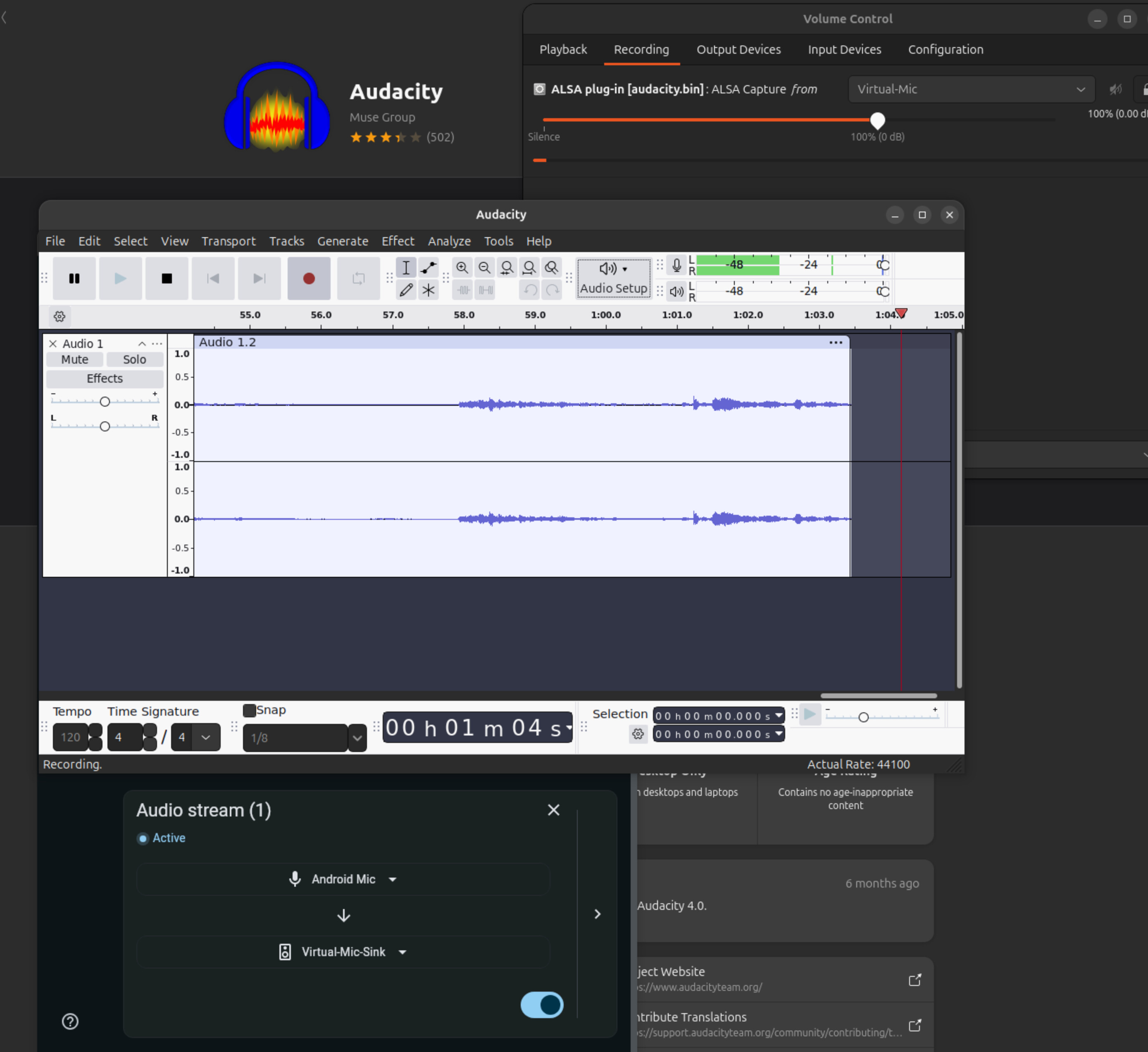
After following the instruction to enable the phone as a server, I was able to select Virtual-Mic-Sink as the audio device in the “Player tab” of the desktop app, as well as “Virtual-Mic” as the input option in Discord. However, no sound is detected as input.
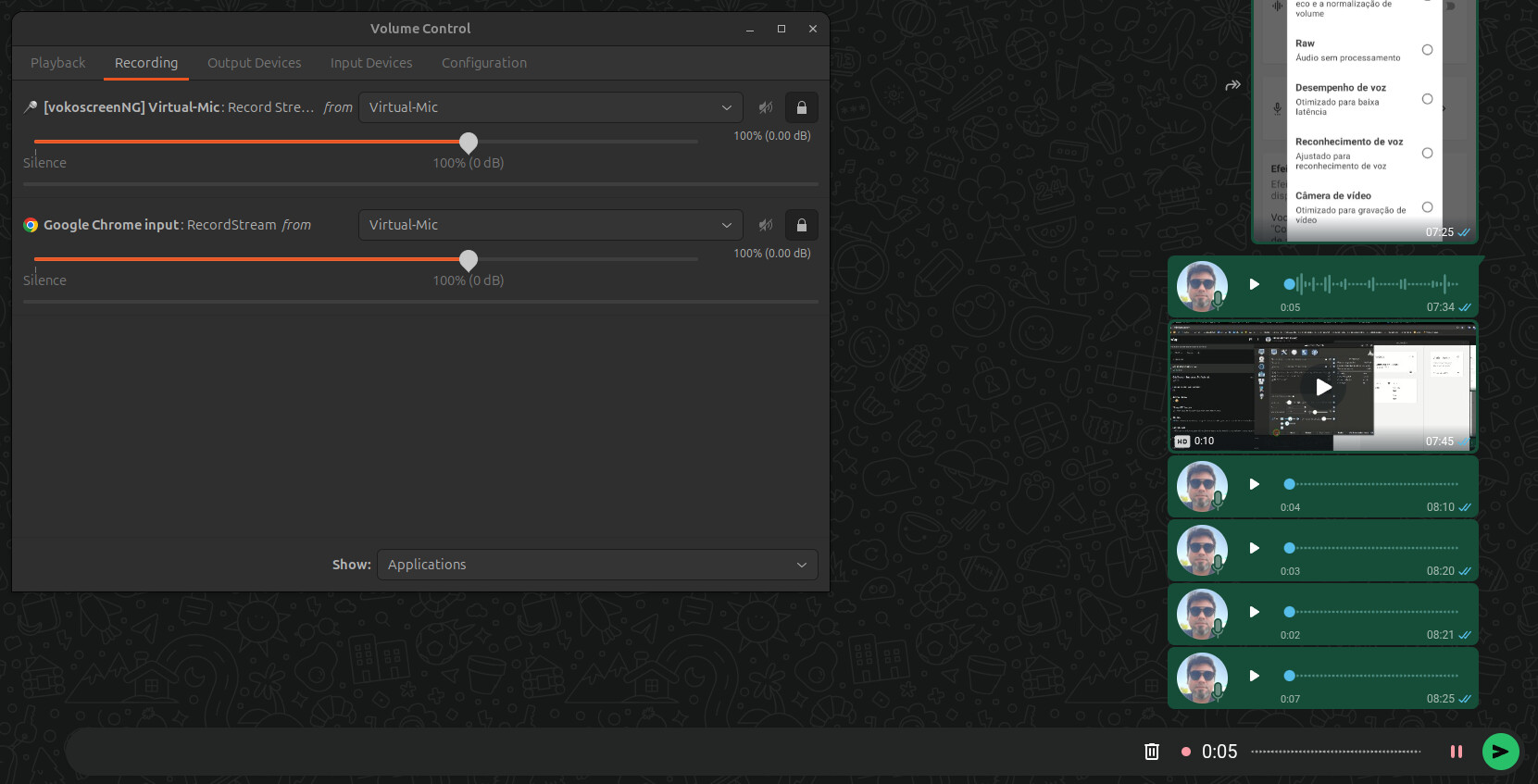
The same hapens in Volume Control. VIrtual-Mic appears in the Input Devices tab but no sound in detected. In the playback tab there is an entry for Virtual-Mic-Sink, where the sound is detected.
Last year I was able to use the app with no problems, with the same computer, phone and headphone.
I use pipe wire in my desktop, and the code used to create the Virtual Mic is pasted bellow
pulse.cmd = [
    { cmd = "load-module" args = "module-null-sink sink_name=audiorelay-virtual-mic-sink sink_properties=device.description=Virtual-Mic-Sink" flags = [ ] },
    { cmd = "load-module" args = "module-remap-source master=audiorelay-virtual-mic-sink.monitor source_name=audiorelay-virtual-mic-sink source_properties=device.description=Virtual-Mic" flags = [ ] }
]
Devices
Phone:
Android 16
Samsung Galaxy A54
AudioRelay 0.26.1
Desktop:
Linux; Manjaro
Pipewire
AudioRelay 0.27.5