Microphone is connected but no sound

If you haven’t done so yet, be sure to check the FAQ.

Description

*I already use this app for like 1 week. But recently my phone server is not detected. I use my usb for Ethernet because i dont have Wi-Fi chip. If i connect using IP Address it’s connected but the latency is shown “N/A”. Plese help ASAP

Devices

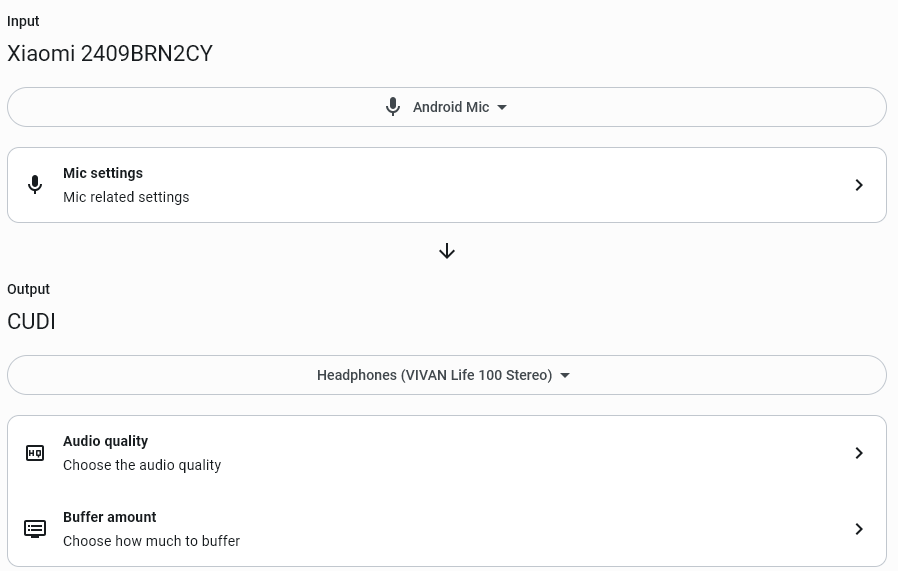
I’m using Windows 10 and my Phone is Xiaomi Redmi 14C

Audiorelay Ver. 0.27.5

Would you mind trying the latest early access version available here Announcements - AudioRelay?
There have been some improvements around networking.

Thanks for the recommendation. But i still can’t detect my phone device automatically. Even i input the ip, it wont connect

Thanks for testing.

Shouldn’t you try to connect via the IP address coming from USB tethering? From the screenshot, it should something like 10.109.16.x.

192.168.100.x is coming from the Wi-Fi on your phone, no?

As it’s not mentioned in your post, please ensure that:

  • You’ve also installed 1.0.0-alpha06 on your phone
  • That you’ve enabled Settings → Device → Hosting in the Android app’s settings

Note that with 1.0.0-alpha06, you don’t HAVE to start a server to use the phone’s mic. You can also directly connect from the phone.

Thanks for the reminder to download the same version on phone, because the version on the store is late version.

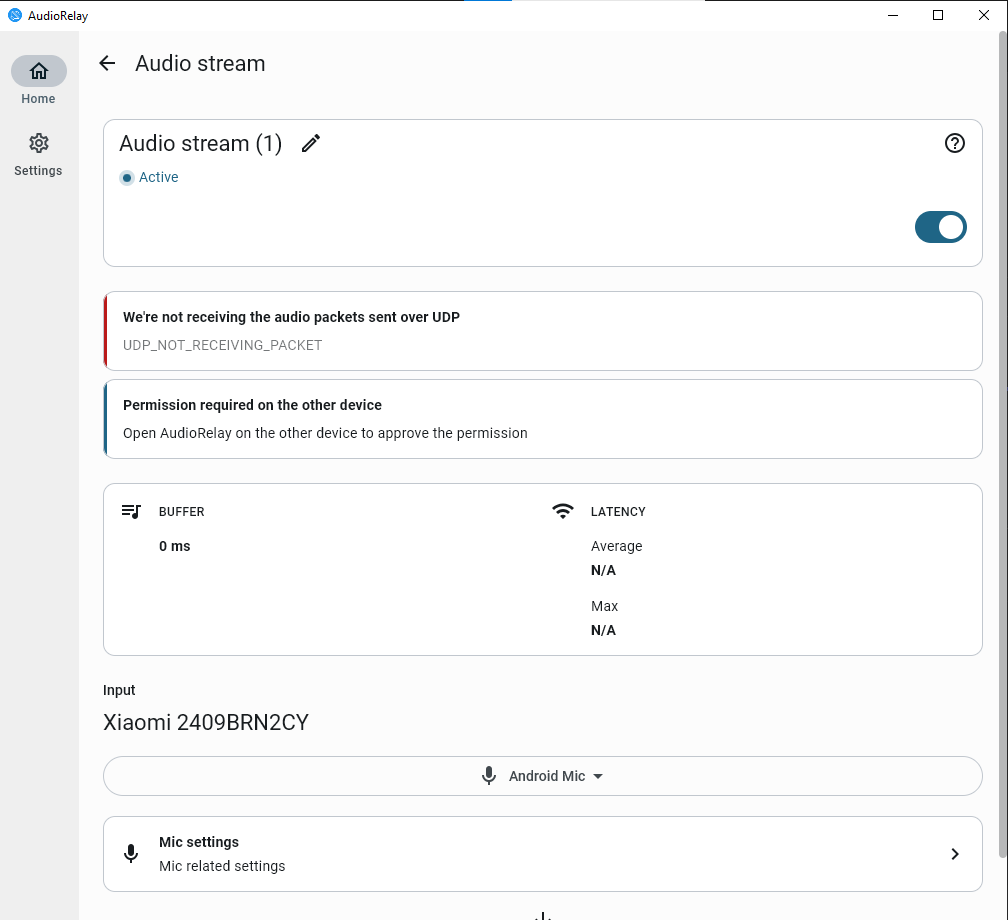
I’ve successfully connect the device, but there’s an error “UDP_NOT_RECIEVING_PACKET”

Yeah, the app isn’t clear enough in this situation.

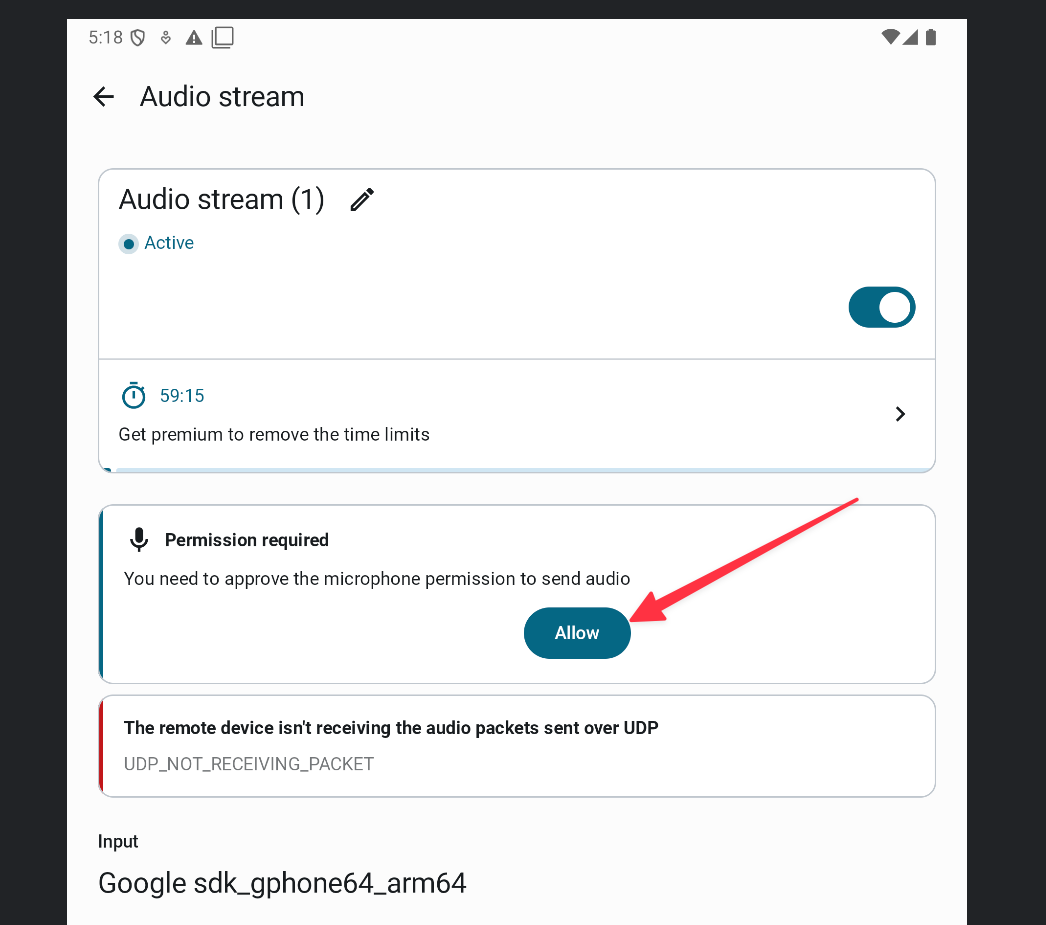
You need to go on the phone and, go to the equivalent audio stream in order to enable the mic permisions. That’s what causes the PC from not receiving the audio data.
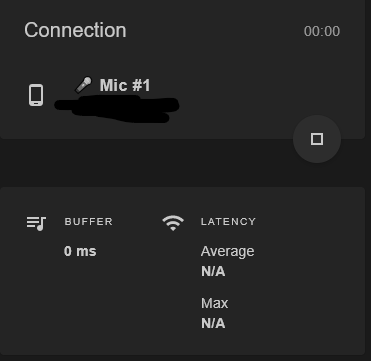
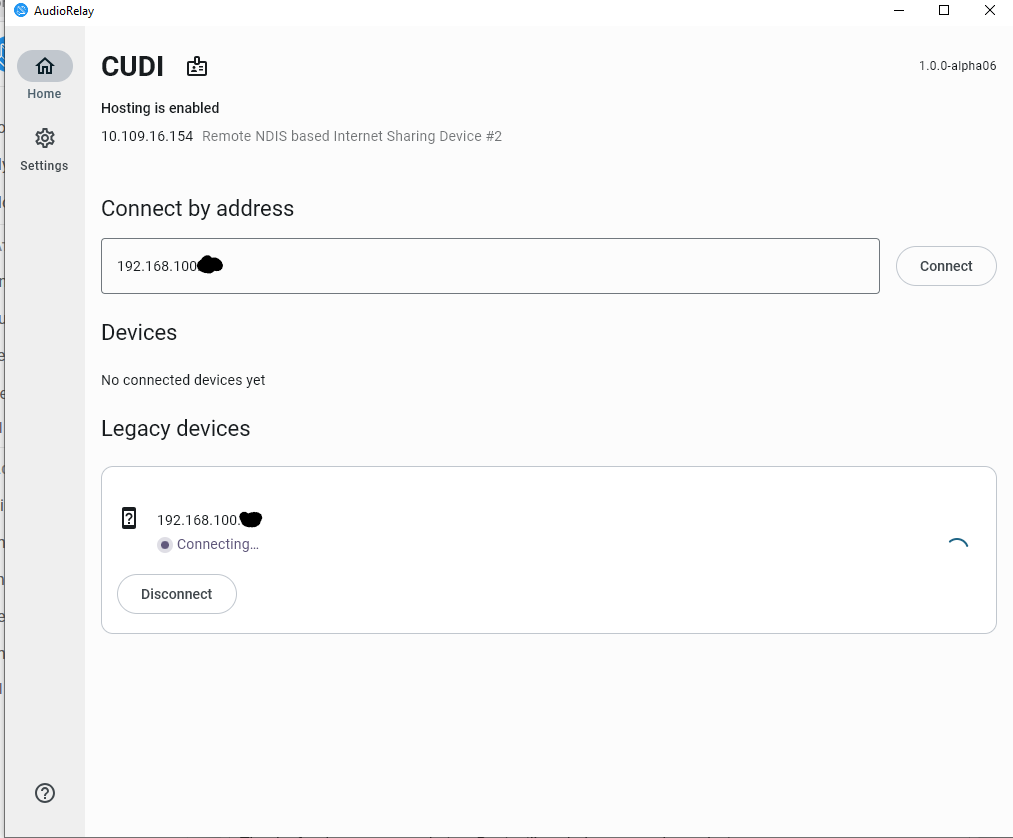
The PC Setting and the phone are the same. But still got the “UDP…PAcket” Error

So the screenshot doesn’t show much and you’ve not said it explicity… Have you clicked on Permisssion RequiredAllow?

Quick Update,

I dunno how it got fixed, but suddenly i can use the mic of my phone for my computer

1 Like